
Getting Started
Welcome to CSV2GEO! This guide will help you get started with batch geocoding your addresses.
What is CSV2GEO?
CSV2GEO is a batch geocoding service that converts addresses into geographic coordinates (latitude and longitude). You can also do reverse geocoding - converting coordinates back to addresses.
Quick Start
Step 1: Prepare Your File
Prepare a CSV or Excel file with your addresses. Your file should have columns for address components like:
- Street address
- City
- State/Province
- Zip/Postal code
- Country
TIP
You can have all address parts in a single column or split across multiple columns.
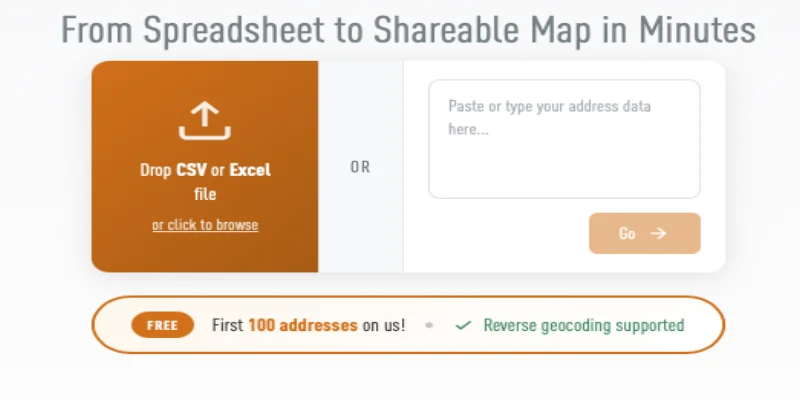
Step 2: Upload Your File
- Go to csv2geo.com
- Drag and drop your file onto the upload area, or click to browse
- You can also paste addresses directly into the text box
Step 3: Map Your Columns
After uploading, you'll see a preview of your data. Select which columns contain your address information:
- Street Number - House/building number
- Street - Street name
- City - City or town
- State - State, province, or region
- Zip - Postal or ZIP code
- Country - Country name or code
Step 4: Process and Download
- Click Process to start geocoding
- Watch the progress bar as your addresses are geocoded
- Download your results with the new latitude and longitude columns
What's Next?
- Upload Your File - Detailed upload instructions
- Column Mapping - Learn about column mapping options
- Pricing - Understand our pricing structure